Why QR codes require care
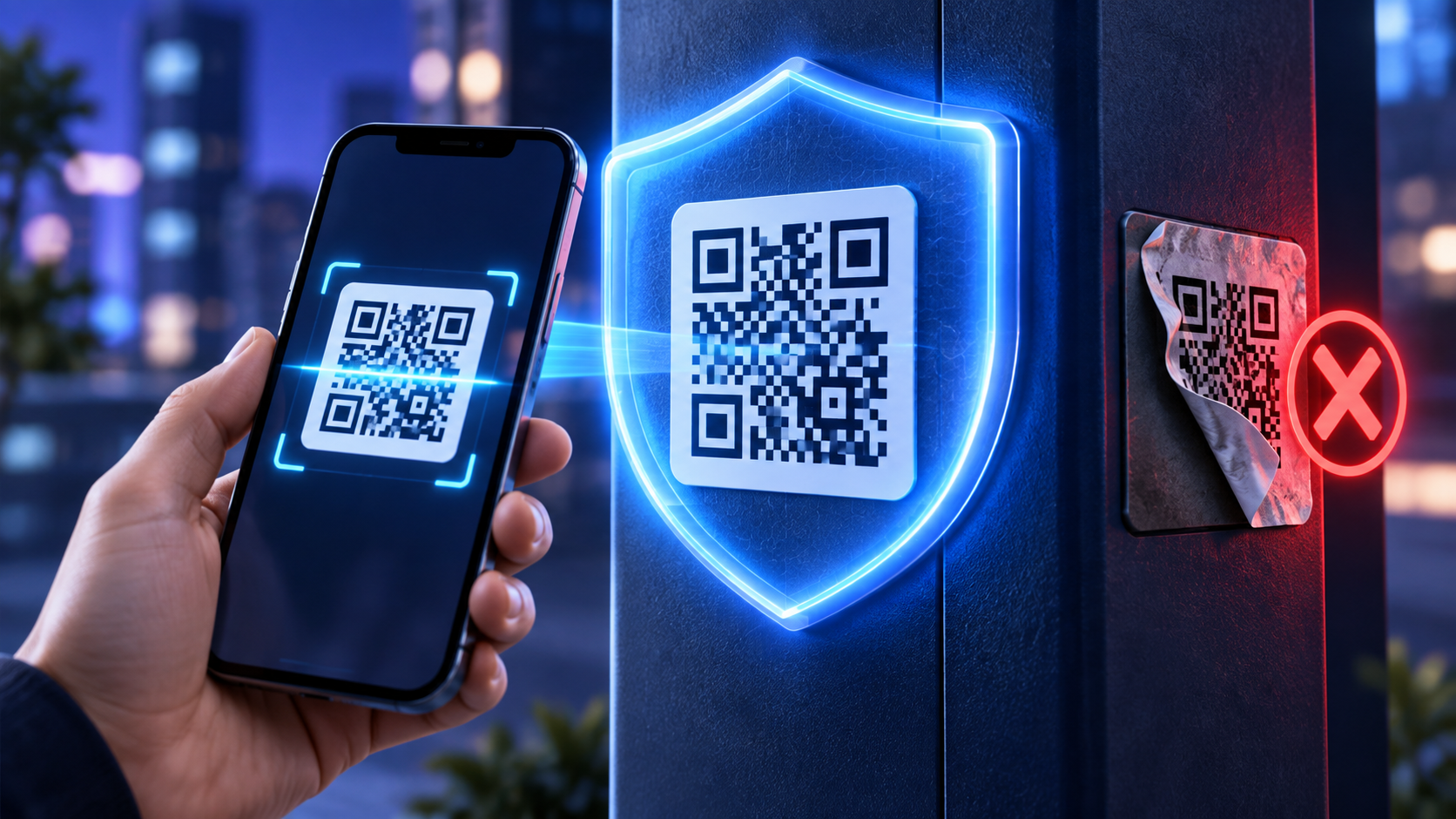
A QR code can open a website as quickly as a normal link, but people cannot read its destination by looking at the pattern. Scammers take advantage of that uncertainty by placing altered stickers over legitimate codes or sending codes with urgent messages.
The U.S. Federal Trade Commission has warned that malicious QR codes may lead to look-alike websites designed to steal passwords or payment information.
Safety steps for businesses
Use HTTPS destinations and maintain valid certificates
Place your name or logo near the code
Explain the exact action, such as Scan to view our menu
Use tamper-resistant placement when a code is displayed publicly
Inspect physical codes for stickers or replacement labels
Monitor managed destinations and unusual activity
Remove expired campaign materials promptly
Avoid collecting unnecessary information
A menu code should not ask for a password. A parking code should not request unrelated personal details. Keep the landing experience consistent with the promise printed beside the code.
If a form collects personal information, publish a clear privacy notice and protect the submission with appropriate security controls.
What customers should check
Preview the address when the phone allows it. Look for a domain that matches the organization and be cautious of misspellings. Avoid entering credentials after scanning an unexpected code in an email or text message. If a message creates urgency, open the company's official app or type the known website address instead.
What to do after a suspicious scan
Close the page without entering information. If credentials were submitted, change the password through the official website and enable multi-factor authentication. Contact the financial institution promptly if payment details were exposed. Report a replaced physical code to the business or property operator.
Build a trustworthy QR program
Keep an inventory of every active code, where it is displayed and who owns the destination. Use descriptive names, limit account access and review the list regularly.
JujuBots allows managed destinations and scan analytics, but technology is only one part of safety. Clear communication, secure accounts and routine physical inspections are equally important.
Recommended internal links
Create a free JujuBots account
External reference: Federal Trade Commission guidance on harmful QR codes