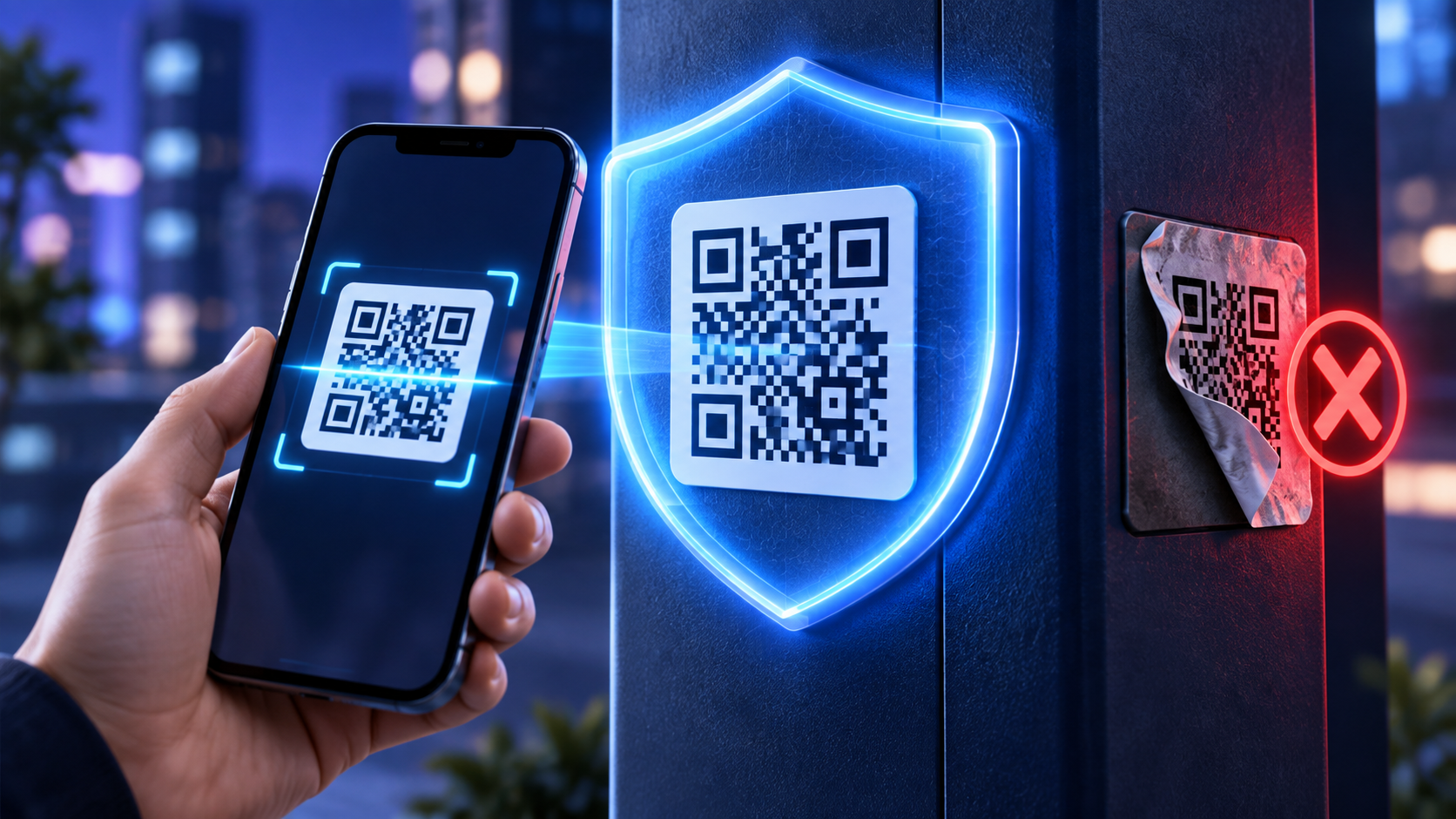
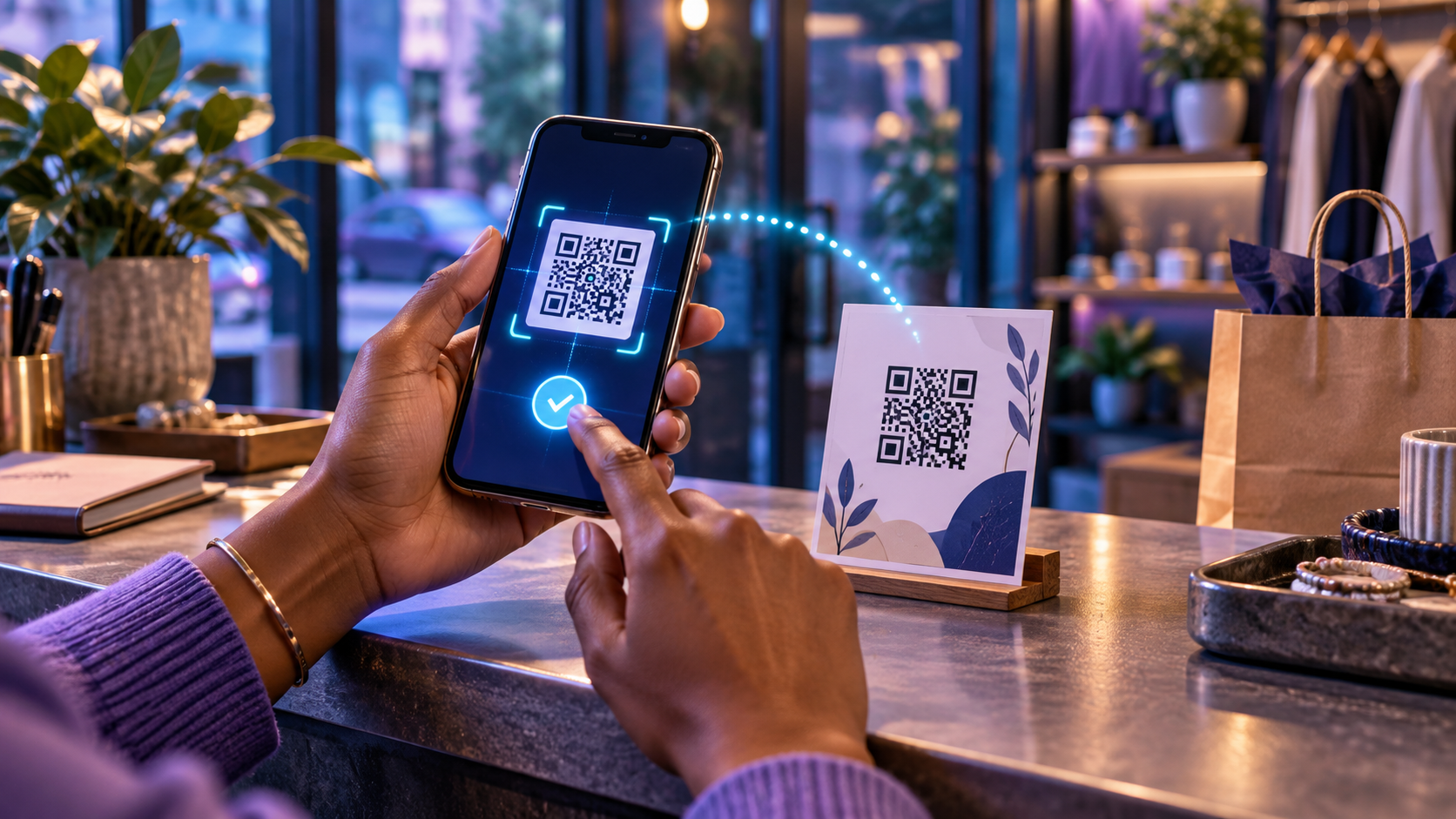
1 Share current menus and service lists
Restaurants, salons and service businesses can connect printed table cards or counter signs to a mobile menu or service list. A dynamic code allows the destination to be updated without reprinting the sign.
2 Make appointments easier
Place a code on a business card, storefront or receipt that opens the booking page. Send visitors directly to the correct service rather than the general homepage. Include Scan to book an appointment beside the code.
3 Request feedback at the right moment
A QR code on a receipt or follow-up card can open a short feedback form. Ask only necessary questions and explain how the response will be used. Avoid offering rewards for dishonest public reviews.
4 Explain products after purchase
Packaging can link to setup instructions, care guidance, warranty information or a short demonstration. This reduces the amount of text required on the package and gives customers access to updated material.
5 Promote an event or special offer
Use different dynamic codes for posters, counter displays and partner locations. Separate codes make it easier to compare placements. Set an expiration or update the destination after the promotion ends so old materials do not lead to a dead page.
6 Share contact information
A code can provide a contact page or digital business card with phone, email, address and social profiles. Ask the user to confirm any action before saving information or sending a message.
7 Connect customers with support
Add a code to invoices, equipment labels or printed guides that opens the correct help article. A specific support destination is more useful than a generic contact page.
How to make these ideas work
Every code needs a clear promise, a mobile-friendly destination and a test before printing. Preserve contrast and space around the code. Avoid placing it where scanning would be unsafe, such as where a customer must stand in traffic.
Use a descriptive internal name for every placement and review scan patterns alongside meaningful outcomes. JujuBots can create managed QR codes and track supported scan information, helping a small business learn which physical touchpoints are useful.
Recommended internal links
Create a free JujuBots account